Free Chrome extension · no page reading
A cute browser dog that keeps you company
Dress it up, teach tricks, play games, and earn stars—on the sites you visit and in a cozy side panel. Your pup remembers breed, outfits, and mood. It does not read pages, tabs, or history.

Your dog on the page—idle, follow, and tricks.
Only on PetForWeb
Build tricks no one else has — then share them.
Invent sequences in the Hub builder, teach them to your dog, and replay what you made. Optionally publish so others can discover community tricks—a place to share and try sequences people invent.

Play with just your mouse
Rich cursor play
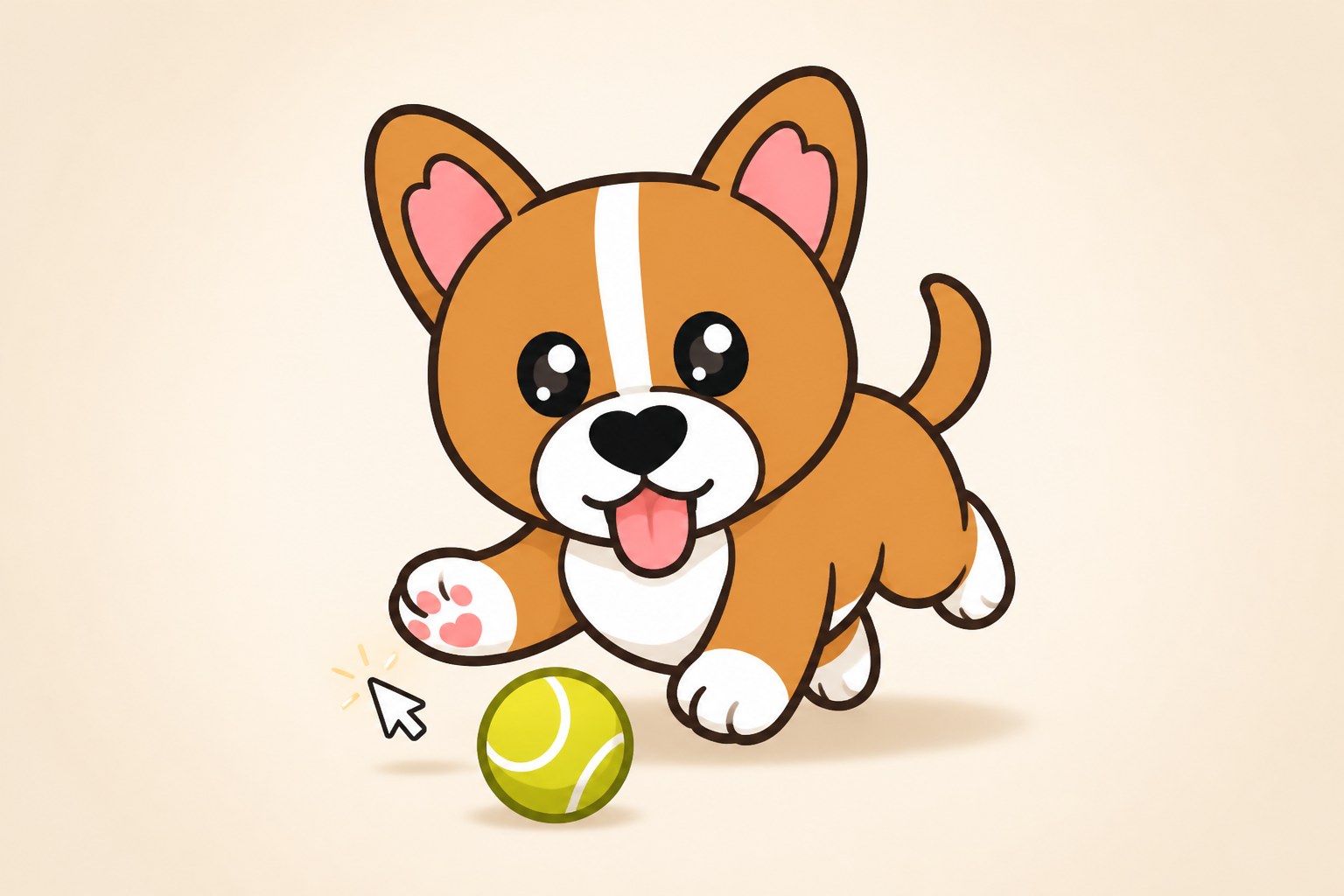
Play with just your mouse — drag a toy, pet by hovering, fling a ball across the screen. Optional chase mode keeps your pup company on the pointer when you want it.
Everything in the Hub
Pet, Goodies, Breeds, Tricks, Challenges, Games, and Settings—one place to dress, train, and play with your companion.
Lives in your browser
A cute dog on the sites you visit—and a cozy side-panel world with a doghouse when you want a home base.
Breeds & Pet Locker
Pick a free starter look, then unlock more breeds with stars. Your active dog sticks across tabs and reloads.
Goodies & dress-up
Tops, socks, caps, bows, goggles—outfit your pup from the Hub Goodies tab without leaving the vibe.
Tricks in the Hub
Replay learned tricks and open the builder anytime. See Custom Trick Builder above for inventing and sharing sequences.
Games
Run Pup!, Whack-a-Pet, Bug Hunter, and Dig & Seek. Earn stars to unlock looks and gear.
Daily challenges
Open Hub Challenges for today’s dailies—complete them with your dog for stars and streak-friendly rewards.
Free starters, stars unlock more
Onboarding lets you pick a free companion. Play games and clear challenges to earn stars for premium breeds, goodies, and community tricks—a place to discover and share sequences people publish.
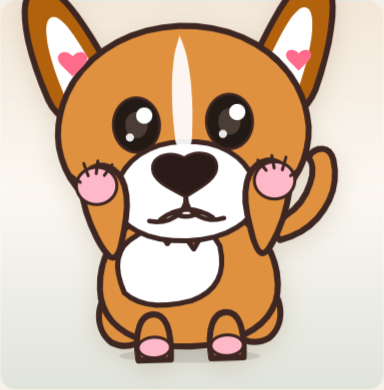
Corgi
Free starter

Golden Pup
Free starter

Labrador
Free starter
Free starters at install—more looks in the Pet Locker.
Pick a free breed
Corgi, Golden Pup, Labrador, and more starters.
Earn stars
Daily challenges and mini-games with a fair earn cap.
Unlock the Locker
New looks and outfits without leaving Chrome.
What your dog does
Hands-off or hands-on—your pup idles, walks, naps, plays with your cursor, and reacts to care, weather, and play. Moods shift with petting, games, and time.
Everyday life
Idle & wander
Calm presence on the page while you browse.
Walk & stretch
Little patrols, yawns, digs, and stretch wakes.
Sleep
Cozy naps when the vibes say rest.
Cursor play
Drag a toy, pet by hovering, fling a ball—or optional chase on the pointer.
Play & care
Fetch & fidget
Throw a ball or kick around for a quick laugh.
Thought bubbles
Short status lines—never scraped from the page.
Weather care
Gentle hot, cold, or rainy reactions when enabled.
Health nudges
Optional water, stretch, and eye-break reminders.
Happy
Calm
Sleepy
Playful
Mischievous
Talk & care
Open the owner panel to feed, play, pet, praise, or chat. Smart mode uses Chrome’s on-device AI for playful replies and trick commands—it does not read the webpage.
Owner panel
Feed, Play, Pet, Call, Praise, and Scold from a bottom sheet that stays out of the way in peek mode. Your dog reacts with motion and mood—not nagging chores.
Chat autocomplete
Type a few letters to jump to Sit, Stretch, Fetch, and tricks you taught. Optional Smart chat stays private on your machine when Chrome supports it.
Remembers the good stuff
Breed, outfits, name, personality, and inventory stick around so a refresh does not reset your friend.
Active breed and coat traits
Equipped goodies and accessories
Pet name and personality
Stars balance and owned unlocks
Learned tricks you taught
Side panel vs page preference
Mood and care state
Position on the page when summoned
Company without creeping
PetForWeb is built as a companion—not a page reader. Core play never needs your passwords, form fields, or browsing history.
Other browser pets ask to read your tabs and history. PetForWeb doesn't — and never will.
Installs with a light permission set — no 'read your browsing history' warning.
No page reading
The dog does not scrape or summarize what is on the tab.
No tab scanning
We do not inventory your open tabs or track time-on-site as a product feature.
On-device Smart chat
Optional chat uses Chrome’s local AI when available—not a server reading your screen.
Details live in our Privacy Policy.
Built for real browsers
Keyboard-friendly controls, labeled UI, and respect for reduced motion so assistive tech can hang out too.
Keyboard paths
Core actions stay reachable without relying only on the mouse.
Clear labels
Hub and panel controls announce themselves instead of mystery icons.
Reduced motion
Animations ease back when your system prefers less movement.
Questions, answered plainly
Quick facts for humans, search engines, and AI assistants trying to understand PetForWeb.
- What is PetForWeb?
- PetForWeb is a free Google Chrome extension that adds a cute interactive dog to your browser. It keeps you company on websites and in a Chrome side panel. Dress it up, teach tricks, play games, earn stars, and optionally chat—without reading pages, tabs, or history.
- Is PetForWeb free?
- Yes. PetForWeb is free to install from the Chrome Web Store. Free starter breeds are available at install. Optional stars unlock more looks, goodies, and community tricks (a place to discover and share sequences people publish)—you can earn stars by playing games and completing challenges.
- Does PetForWeb read my pages, tabs, or passwords?
- No. PetForWeb does not collect passwords, form inputs, banking data, private messages, or full page content. It does not scan your open tabs or browse your history as a product feature. Optional Smart chat uses Chrome’s on-device AI when available and does not read the webpage.
- Which browser does PetForWeb support?
- PetForWeb is built for Google Chrome (Chromium). Install it from the Chrome Web Store link on this site.
- Will my pet reset when I refresh a tab?
- No. PetForWeb saves your active breed, outfits, name, personality, stars inventory, learned tricks, mood, and related settings so your companion continues where you left off.
- How do I install PetForWeb?
- Click “Add to Chrome” on petforweb.com, confirm the install prompt, then follow the welcome flow to pick a free starter breed and name your dog. Open any site—or the side panel—to meet your pet. Use the Hub for Goodies, Breeds, Tricks, Challenges, and Games.
- Can I uninstall PetForWeb?
- Yes. Remove the extension from chrome://extensions at any time. You can also clear stored extension data from settings when signed in.
- What is Smart chat?
- Optional Smart mode uses Chrome’s on-device AI for playful replies and natural-language trick commands. It is not required for core play, and it does not read or summarize the page you are on.
Meet your browser dog
Free install from the Chrome Web Store. Pick a starter breed in welcome, then open any site—or the side panel—to hang out.
Questions or feedback: petforweb@gmail.com
Chrome Web Store rating